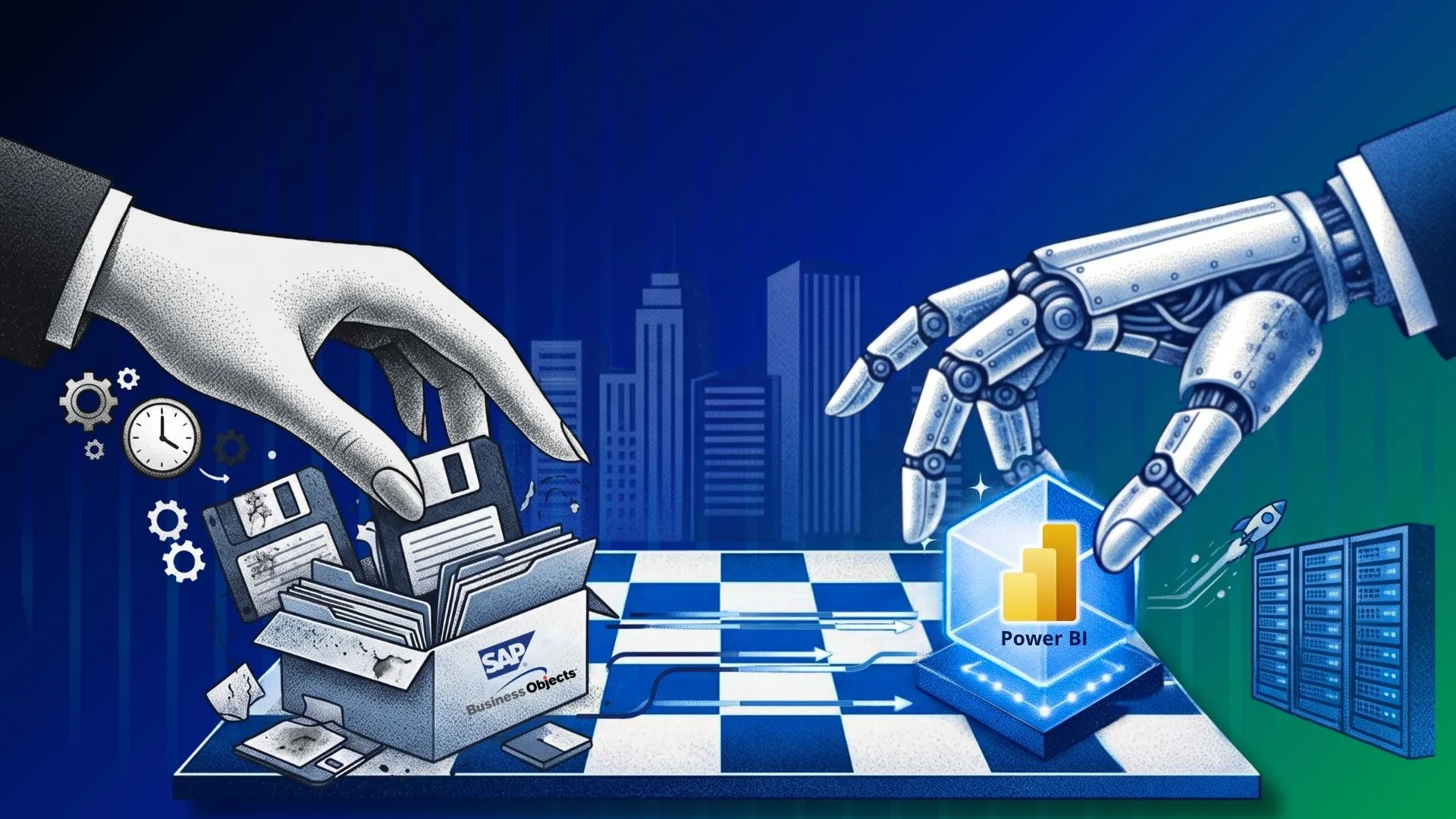
A legacy SAP BOBJ environment may contain tons of your data, of which a large percentage is unused, redundant, or obsolete assets. Organizations using SAP BOBJ often contain large number of WebI reports UNV/UNX universes, years of logic, security configurations, etc. This is years of accumulated data, however, not everything is relevant.
Assessing and understanding what assets are important is very important for a smoother, faster, cost-effective migration. The important point here is that treating migration as a one-to-one report rebuilding exercise creates unnecessary work.
Having an understanding like universes need to be translated into Power BI semantic models, while WebI reports need to be mapped or rebuilt as appropriate for Power BI experiences can make migration easier, and faster. Let us through this blog, learn how to reduce the cost and timeline of SAP BOBJ to Power BI migration.
Understand What Is Driving Migration Cost and Timeline
Having an understanding of what is driving migration cost and timeline can help you optimize cost and reduce overall time and effort.
The number of reports in your SAP BusinessObjects environment is only one part of the equation. Migration costs can accumulate across discovery, semantic layer transformation, report redevelopment, validation, security, deployment, and user adoption.
Understanding these cost drivers early allows organizations to estimate migration complexity more accurately and identify where automation, rationalization, and standardization can have the greatest impact.
Environment Assessment
Successful SAP BOBJ to Power BI migrations start with an understanding of the existing SAP BOBJ environment. The migration team needs to know what currently exists, what is actively used, and how existing assets are connected with each other.
This typically includes:
- Inventorying WebI reports and UNV/UNX Universes
- Identifying connections and dependencies
- Understanding report usage and business criticality
- Identifying duplicate, redundant, or obsolete reports
- Assessing report and Universe complexity
Semantic Layer Conversion
SAP BOBJ semantic layer can contain years of embedded business knowledge. Migrating such a legacy environment is more than just report conversion.
Teams may need to:
- Analyze UNV and UNX Universes
- Map dimensions, measures, and business rules
- Translate calculations and derived logic
- Understand joins, contexts, and relationships
- Redesign data relationships for the Power BI environment
- Recreate relevant business logic within Power BI semantic models
The more complex the Universe landscape, the more specialist effort can be required to understand and accurately reproduce the underlying logic.
Report Migration
Report conversion is one of the most visible parts of migration, but it also can turn out to be the largest time consumer.
Moving WebI reports to Power BI can involve:
- Rebuilding report structures
- Recreating prompts and filters
- Translating variables and calculations
- Mapping data elements to the new semantic model
- Rebuilding tables, charts, and other visual elements
- Redesigning reports to take advantage of Power BI capabilities
Testing and Validation
Migrated reports needs to be tested in the new BI environment for validation and sometimes both the BI environment are required to run the reports parallelly until the dependency subsides.
Validation can include:
- Data reconciliation between BOBJ and Power BI
- Formula and calculation validation
- Report output comparison
- Filter and parameter testing
- Performance testing
- Business-user validation
- User acceptance testing (UAT)
For a large reporting estate, performing all these checks manually can create a significant bottleneck. Even when report conversion is accelerated, manual validation can keep the overall migration timeline high.
Governance and Security
Moving to Power BI also requires organizations to rethink how analytics content is governed and distributed.
This can involve:
- User and group mapping
- Power BI workspace strategy
- Roles and access controls
- Row-level security
- Report and application distribution
- Governance standards and ownership
- Deployment processes
Start With Automated Discovery and Assessment
Don’t begin by converting reports. Begin by understanding the BOBJ estate.
For migration, you need to first start with an understanding of your BOBJ estate through discovery and assessment. You need to make an inventory of assets that should be migrated. An inventory such as
- WebI reports
- Universes
- Data connections
- Queries
- Variables
- Filters/prompts
- Usage
- Dependencies
- Complexity
- Security
Discovery and assessment are generally the first steps for migration as these establish the complexity and scope of migration.
Without assessment:
Find report → analyze manually → migrate → discover dependency → rework
With assessment:
Scan → classify → prioritize → migrate
Discovery and assessment can be automated through accelerators like BIPort from Sparity to potentially reduce effort and time by up to 70%. Request a SAP BO to Power BI Migration assessment demo today!
Rationalize Before You Migrate
As we discussed, some assets like reports can require major effort when migrating from SAP BOBJ to Power BI. That is the reason you should rationalize your decision of moving assets rather than move everything from SAP BOBJ to Power BI.
A common mistake enterprises make while migrating from SAP BOBJ is moving all the reports to the new tool. If they have 5,000 BOBJ reports, they transition them to 5,000 Power BI reports.
You should instead classify reports such as:
Migrate
You can migrate business-critical reports that still provide value or reports that you know are required in the new BI tool as well.
Consolidate
Consolidate multiple similar reports that can become a single Power BI experience.
Modernize
Reports worth retaining but better redesigned around Power BI functionality rather than copied pixel-for-pixel.
Retire
You should retire from unused, redundant, or obsolete assets. This can make your environment cleaner and smoother.
Accelerate SAP BOBJ to Power BI Migration with Sparity
Choose a hybrid approach for your SAP BOBJ to Power BI migration where you can automate repetitive processes. You can use lift and shift for generic reports or assets that do not require manual effort or intervention. You can also automate testing and validation with BIPort.
Here’s how you can categorize approaches depending on the migration challenge:
| Migration challenge | Accelerator approach | Expected benefit |
| Large BOBJ estate | Automated inventory/analysis | Faster discovery |
| Obsolete reports | Usage/rationalization | Smaller migration scope |
| Complex Universes | Metadata extraction/mapping | Less manual analysis |
| Large WebI inventory | Automated report analysis | Faster conversion planning |
| Repetitive conversion | Automation | Lower manual effort |
| Manual validation | Automated comparison | Faster QA |
| Large-scale migration | Wave/factory approach | Predictable delivery |
Conclusion
Reducing SAP BOBJ-to-Power BI migration cost is not simply about converting individual reports faster. The biggest efficiencies come from identifying cost drivers and countering them, automating discovery and assessment, rationalizing your approach, automating repetitive tasks, and opting for an accelerator like BIPort from Sparity for faster, cost-effective migration.
FAQs
What is the largest time consumer in SAP BOBJ to Power BI migration?
Report conversion comes out as the most visible and the largest time consumer in an SAP BOBJ to Power BI migration.
What can be automated in a BI migration?
Assessment, discovery, testing, and repetitive tasks can be automated in a BI migration to speed up your modernization journey.
What accelerator is suggested for a smoother SAP BO to Power BI migration?
BIPort from Sparity is suggested for a faster, smoother, cost-effective migration for reduced effort.
FAQs