Introduction
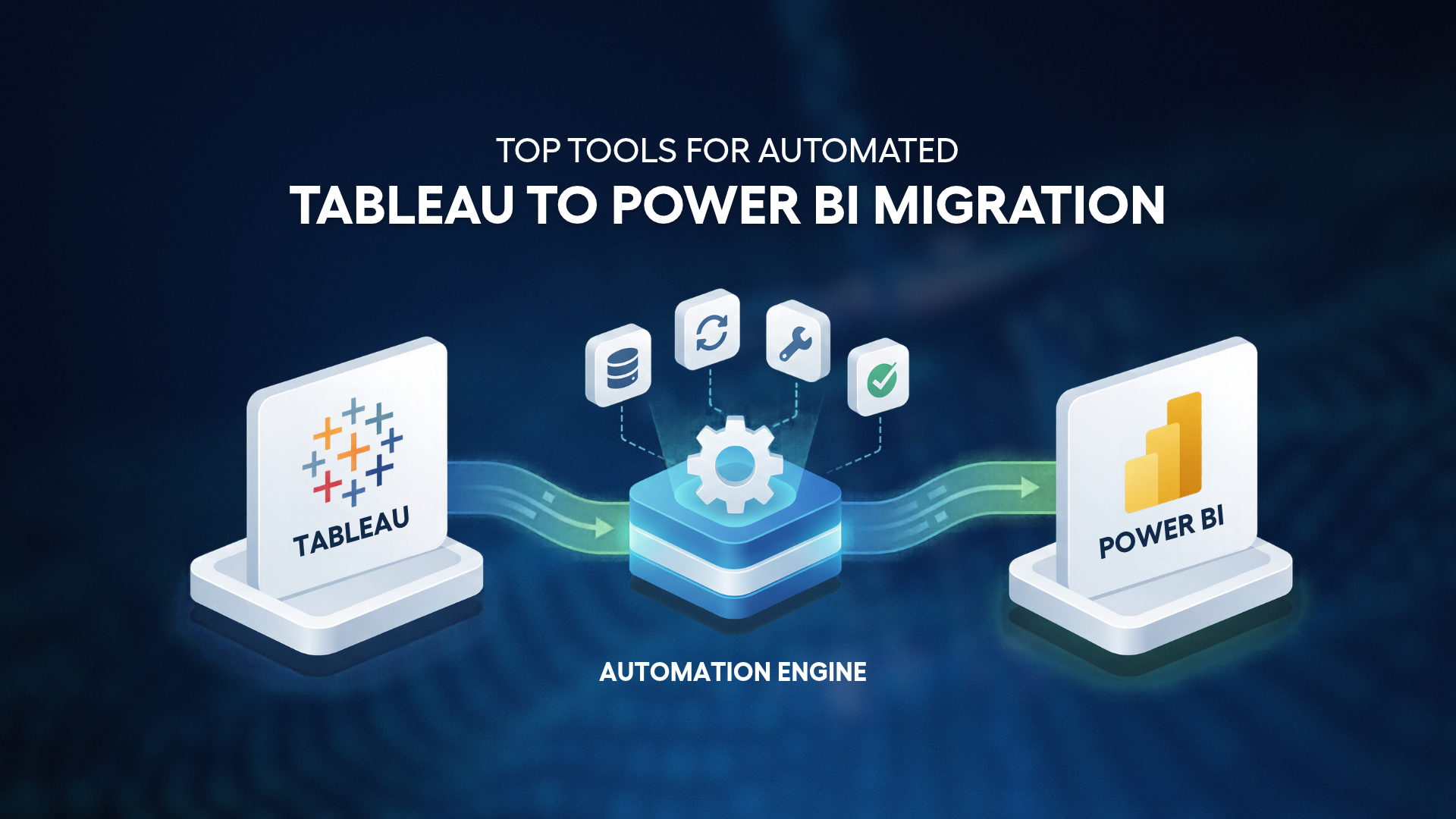
Many organizations are modernizing their analytics ecosystems by consolidating their analytics platforms. As a part of this modernization effort, companies are migrating from Tableau to Power BI. In these types of migrations, it’s not enough to just move the data. It is very important to migrate dashboards, calculations, and filters. If not migrated correctly, this can turn an automated migration into a huge, manual, time consuming process.
Many automation tools can assess the complexity of your environment, but the most effective tools will automate migration and validate the integrity of the migrated reports. There are a few modern bi migration tools that are very effective in automated migration, which we will talk about in this blog.
1. BIPort by Sparity
BIPort, Sparity’s migration tool, automates migrations from Tableau to Power BI. It supports the migration journey, starting from assessing Tableau assets, all the way through to migrating the reports and validating them in Power BI.
- Automated asset discovery
- Dashboard and visualization conversion
- Metadata extraction and mapping
- Migration support for calculated fields
- Assessment of migration complexity and planning
- Bulk migration
- Integrated frameworks for validation and reconciliation
Key benefits
Accelerated migration timelines: Automation of conversion activities can significantly reduce the time needed for development efforts associated with migrating hundreds of reports, thereby speeding up the adoption of Power BI.
Less reliance on special resources: Automation allows resources to focus on optimizing the Tableau environment and governance rather than rebuilding reports.
More consistent migration: Automating the conversion of dashboards helps migrate all assets consistent with the naming conventions, calculations and design of the original dashboards.
Less risk during migration: Built-in validation and reconciliation frameworks help pinpoint calculation of discrepancies and logical gaps.
Prepared for enterprise scale: BIPort supports phased migrations across an organization, enabling it to scale to meet enterprise demands.
Enhanced governance and documentation: Documenting the analytics environment offers visibility and governance over reporting migrations, and aids decision-making during the migration process.
2. Anteras
Anteras provides data and analytics modernization solutions that support organizations moving from legacy reporting platforms to Power BI. Its migration approach focuses on assessing existing environments, identifying dependencies, and accelerating migration planning efforts.
Benefits
Accelerated migration planning
Organizations gain visibility into reporting assets and dependencies, helping migration teams prioritize business-critical dashboards.
Reduced assessment effort
Automated discovery capabilities reduce the manual work required to document and evaluate Tableau environments.
Supports analytics modernization initiatives
Organizations can align migration efforts with larger goals around reporting consolidation and analytics transformation.
3. BIChart
BIChart offers migration capabilities designed to help organizations transition reporting assets from Tableau to Power BI while reducing redevelopment effort.
Benefits
Reduced dashboard redevelopment effort
Automation capabilities help minimize the amount of manual report rebuilding required during migration projects.
Faster transition to Power BI
Organizations can shorten migration cycles and begin realizing value from Power BI sooner.
Improved migration efficiency
Structured migration workflows help create consistency across migration activities and improve project execution.
4. DataTerrain
DataTerrain provides migration and modernization solutions that help organizations transition their analytics environments from Tableau to Power BI while preserving reporting accuracy and business context.
Benefits
Supports enterprise-scale migrations
Suitable for organizations managing large reporting environments with numerous dashboards and data sources.
Preserves business logic and reporting context
Focuses on maintaining KPIs, calculations, metrics, and reporting structures throughout the migration process.
Encourages reporting standardization
Migration projects provide an opportunity to improve governance, dashboard design standards, and reporting consistency.
5. Kanerika FLIP
Kanerika FLIP is an automated migration framework designed to streamline BI modernization initiatives and help organizations accelerate moves from Tableau to Power BI.
Benefits
Improved migration speed
Automation capabilities help reduce project timelines and enable faster adoption of Power BI.
Lower migration effort
Teams can spend more time validating and optimizing reports instead of manually recreating dashboards.
Supports scalable migration programs
Organizations can execute phased migration strategies across multiple departments and reporting environments.
Comparing Tableau to Power BI Migration Solutions
| Capability | BIPort | Anteras | BIChart | DataTerrain | Kanerika FLIP |
| Primary Focus | End-to-end migration automation | Migration planning and analytics modernization | BI migration acceleration | Enterprise analytics modernization | Automated BI migration framework |
| Dashboard Conversion | High automation with minimal manual intervention | Moderate automation | Partial automation | Partial automation | Moderate-to-high automation |
| Calculation & Business Logic Migration | Automated mapping of common Tableau elements | Moderate support | Moderate support | Strong focus on preserving business logic | Moderate support |
| Migration Assessment | Includes discovery, dependency mapping and evaluation of migration complexity | Strong discovery and planning capabilities | Good migration assessment framework | Enterprise assessment capabilities | Assessment and migration readiness support |
| Validation & Reconciliation | Built-in comparison framework to validate output and ensure integrity | Limited support | Basic support | Basic support | Moderate support |
| Scalability | Designed for migrations at the hundreds and thousands of assets level | Suitable for large-scale environments | Suitable for mid-sized to large deployments | Enterprise-scale migrations | Supports phased enterprise migrations |
| Time to Value | Shorter time to migrate due to automation | Moderate migration timeline | Moderate migration timeline | Moderate migration timeline | Accelerated migration timelines |
| Maintenance Effort | Reduced effort due to built-in migration workflows | Moderate effort | Moderate effort | Moderate effort | Moderate effort |
| Best Fit | Organizations wanting to minimize redevelopment effort and increase migration velocity | Organizations seeking structured modernization roadmaps | Mid-sized migration initiatives | Enterprise reporting modernization programs | Organizations seeking scalable migration automation |
Automation is an important differentiator for migration tools. Many solutions provide excellent visibility into Tableau environments to assess migration priorities, but the automation provided for tasks such as dashboard conversion, migration of calculations, and validation varies from one solution to the next. These differences can be important for organizations with large portfolios of reports and can impact the time and resources required to complete a migration project and, ultimately, the cost.
Conclusion
While migration projects are becoming more complex, organizations want to eliminate the need to repeatedly invest time and money into migration projects by automating more than just assessment.
The migration path and destination chosen by an organization determines the level of risk and control the organization is willing to take when migrating to a new platform and adopting Power BI. Connect with Sparity to understand the timeline, risks and benefits of migrating through BIPort.
FAQs
1. Why use an automated migration tool instead of manual migration?
Automated tools help reduce redevelopment effort, shorten project timelines, improve consistency, and minimize migration risks compared to rebuilding reports manually.
2. Can Tableau calculations be migrated to Power BI?
Yes. Many migration tools support the conversion of Tableau calculations into Power BI-compatible logic, though complex calculations may require additional validation.
3. How long does a Tableau to Power BI migration take?
The timeline depends on the number and complexity of dashboards. Automated migration tools can significantly accelerate projects that would otherwise take weeks or months of manual effort.
4. What should organizations look for in a migration tool?
Key factors include dashboard conversion capabilities, calculation migration support, validation and reconciliation features, scalability, governance support, and overall automation levels.
FAQs