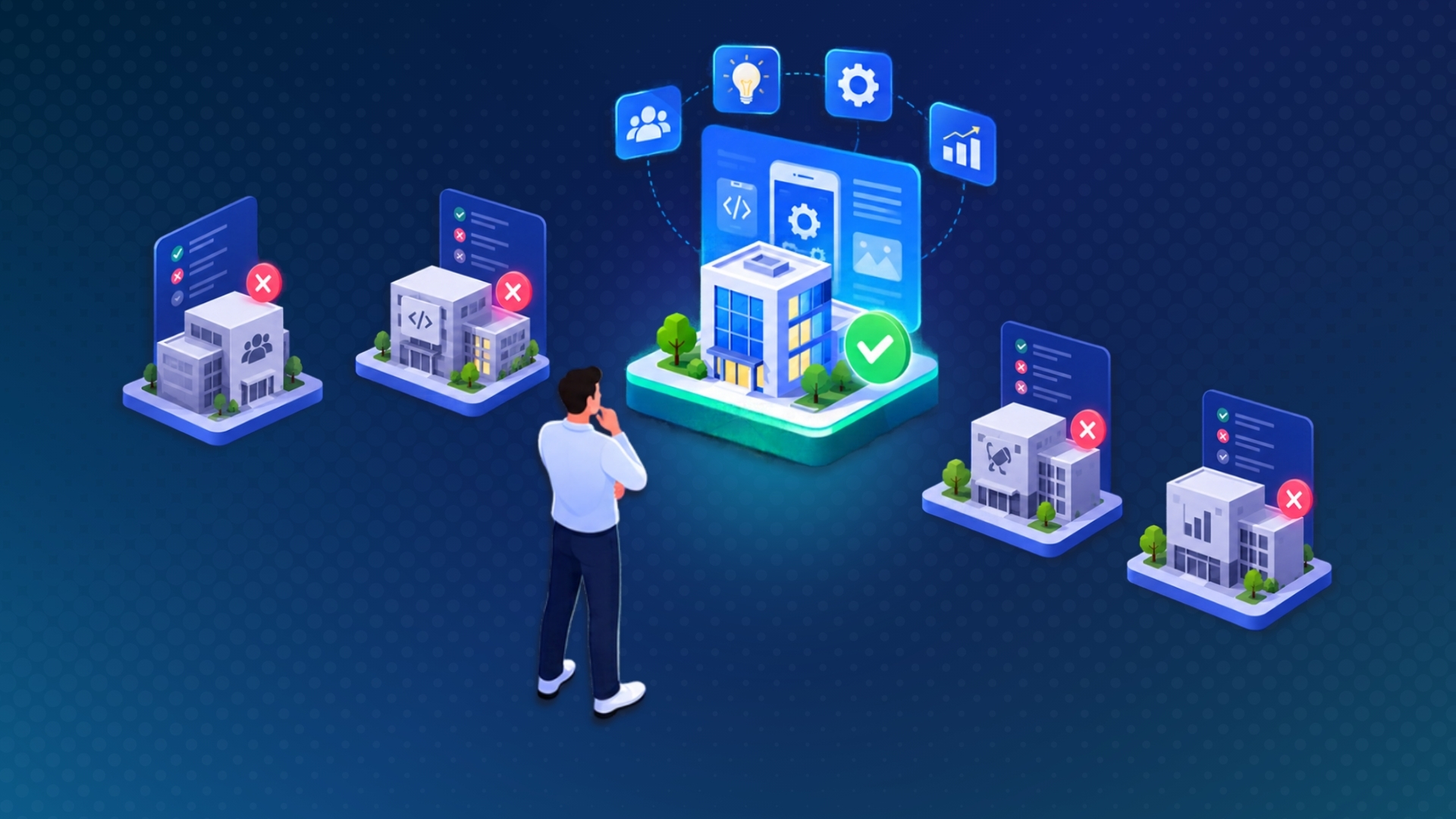
Data is a huge asset for businesses. It provides data about your business’s past, present, and predicts future. As data is this important to your business, you cannot just migrate it without understanding data migration and its types. Yes, there are different types of data migration and learning about it can help you make an important data migration decision for your business.
Through this blog, let’s learn about all the types of data migration, risks or challenges associated with them, and what’s best for your business.
What is Data Migration?
Data migration is the process of moving data from one storage, application, system, or format to another. It involves moving data from a source to a target source that is compatible with loading the transferred data.
Reasons Behind Data Migration
Organizations usually migrate data to another source for one or multiple reasons from the following:
- Digital transformation initiatives: Businesses must evolve their systems to stay relevant or competitive. Businesses adopt modern platforms to improve efficiency and enhance functionality. These transformation initiatives require data migration from their legacy tool to modern tool.
- Cloud adoption: Modern organizations have wholeheartedly adopted clouds for better collaboration and improved efficiency. This requires your business data to be transitioned to cloud.
- System modernization: Updating your legacy system may require data migration for a safe and secure data transition to modernized or upgraded systems.
- Data center relocation: A business may decide to move their data to a different location for efficiency or any other reason. This will require data migration with a well-planned strategy.
- Business mergers and acquisitions: A merger or an acquisition of an organization requires the data to be migrated to a new system as that actually is the most important asset for any organization.
- Regulatory compliance requirements: Organizations may decide to move to a new system for better compliance capabilities according to requirements. This will require safe data migration to a newer system.
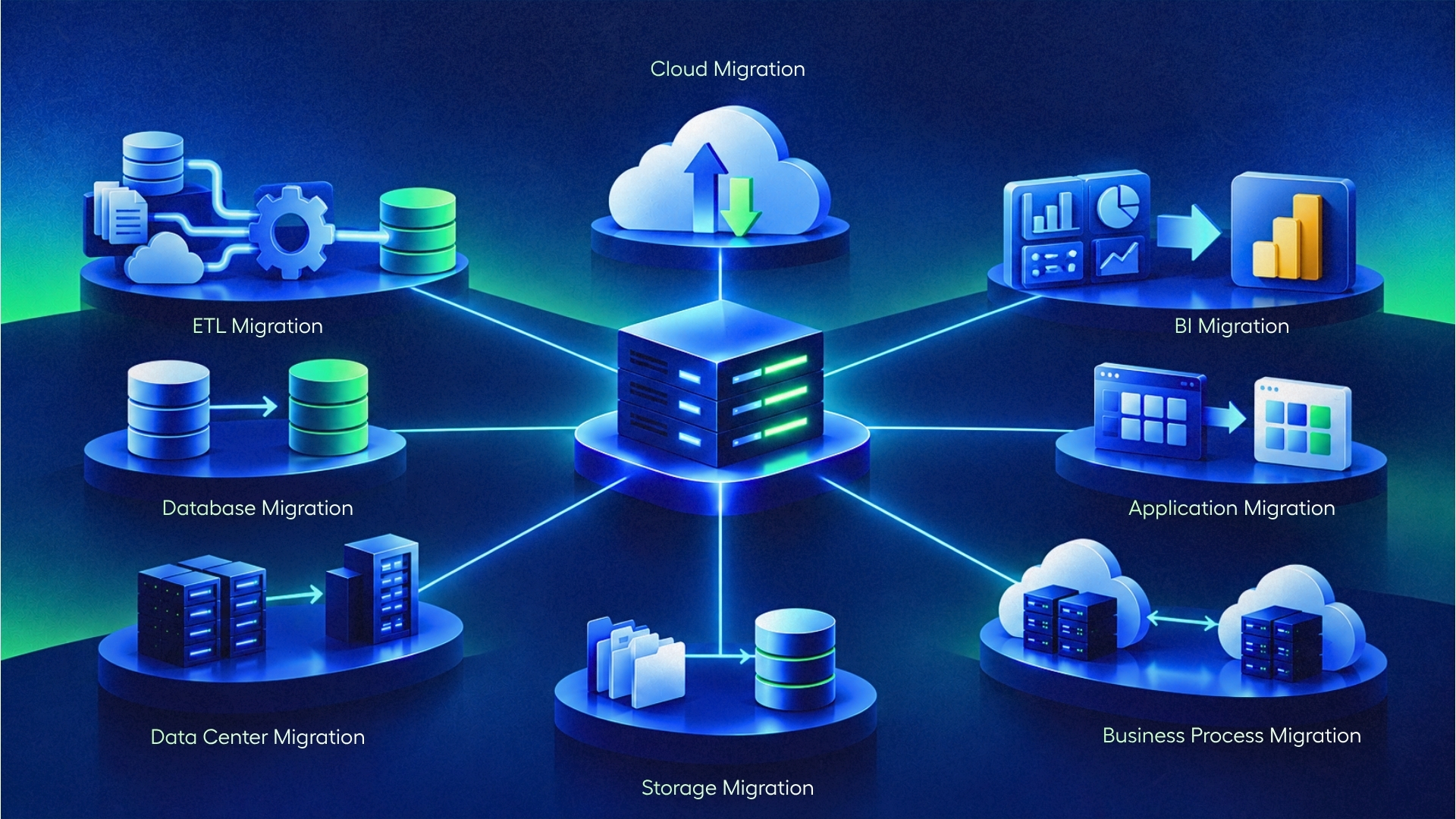
Types of Data Migration
You can go through a quick comparison of different types of data migrations and also in detail below:
| Migration Type | Primary Focus | Common Example |
| Storage Migration | Storage Infrastructure | HDD to SSD |
| Database Migration | Databases | Oracle to PostgreSQL |
| Application Migration | Software Applications | Legacy ERP to SAP |
| Cloud Migration | Cloud Platforms | On-premises to Azure |
| Business Process Migration | Operational Workflows | HR System Migration |
| Data Center Migration | Infrastructure Relocation | Data Center Consolidation |
| ETL Migration | Data Integration Pipelines | Informatica to ADF |
| BI Migration | Reporting & Analytics | Tableau to Power BI |
1. Storage Migration
Storage migration involves moving data from one storage system to another without changing the applications that use the data. This is best suited for organizations modernizing their storage infrastructure while keeping existing applications intact.
Benefits:
- Improved performance
- Enhanced scalability
- Better storage utilization
- Reduced maintenance costs
Challenges:
- Managing large volumes of data
- Avoiding downtime during transfers
- Maintaining data consistency
2. Database Migration
Database migration involves transferring data from one database platform, version, or architecture to another while ensuring compatibility and performance. Organizations looking to modernize their databases or optimize database costs choose database migration.
Benefits:
- Improved database performance
- Lower licensing costs
- Enhanced security features
- Greater scalability and flexibility
Challenges:
- Schema compatibility issues
- Data transformation requirements
- Query and application optimization
- Risk of data loss or corruption
3. Application Migration
Application migration involves moving software applications, along with their associated data and configurations, to a new environment or platform. Application migration can be chosen if you are looking to modernize your existing applications or enterprise software systems.
Benefits:
- Modernized business operations
- Improved user experience
- Enhanced functionality and features
- Reduced maintenance and support costs
Challenges:
- Integration complexities
- Application compatibility issues
- User adoption and training
- Business process disruptions
4. Cloud Migration
Cloud migration involves moving data, applications, and workloads from on-premises infrastructure or another cloud environment to a cloud platform. Organizations looking for digital transformation or cloud adoption can opt for cloud migration.
Benefits:
- Improved scalability
- Greater operational flexibility
- Reduced infrastructure costs
- Enhanced disaster recovery capabilities
Challenges:
- Data security and compliance concerns
- Migration downtime risks
- Cloud cost management
- Skills and resource gaps
5. Business Process Migration
Business process migration involves transferring business workflows, operational data, and supporting systems to improve organizational efficiency.
Benefits:
- Streamlined operations
- Increased productivity
- Better compliance and governance
- Improved reporting and visibility
Challenges:
- Complex workflow redesign
- Stakeholder resistance
- Data mapping and validation
- Change management requirements
6. Data Center Migration
Data center migration involves relocating infrastructure, applications, and data from one data center environment to another.
Benefits:
- Reduced operational costs
- Improved infrastructure performance
- Enhanced security and reliability
- Better disaster recovery planning
Challenges:
- Service interruption risks
- Network and connectivity issues
- Hardware compatibility concerns
- Resource coordination complexity
7. ETL Migration
ETL (Extract, Transform, Load) migration involves moving data integration workflows, pipelines, and transformation processes from one platform to another. Organizations looking to modernize data warehouses, data lakes, or analytics platforms can choose ETL migration.
Benefits:
- Improved data quality
- Faster data processing
- Enhanced scalability
- Better data governance
Challenges:
- Complex transformation logic
- Data validation requirements
- Performance optimization
- Integration dependencies
8. BI Migration
BI (Business Intelligence) migration involves moving dashboards, reports, analytics models, and visualization platforms to a new BI environment. Best suited for organizations looking to migrate from legacy BI tools to modern tools like Power BI.
Benefits:
- Advanced analytics capabilities
- Improved reporting performance
- Enhanced self-service analytics
- Reduced licensing and maintenance costs
Challenges:
- Report and dashboard conversion
- Data model compatibility
- User training and adoption
- Maintaining reporting accuracy
Conclusion
Data migration is important for organizations looking for operational efficiency, scalability, and overall modernization. By understanding data migration types, businesses can choose the most suitable type and maximize value of their business transformation initiatives.
Connect with Sparity or book a demo for migration to see it in action before you opt for data migration.
FAQs
What is data migration?
Data migration is the process of moving data from one storage, application, system, or format to another.
What is one example of BI migration?
Tableau to Power BI migration is a great example for BI migration.
What is ETL migration?
Moving data integration workflows, pipelines, and transformation processes from one platform to another comes under ETL migration.
What are some benefits of BI migration?
Improved reporting performance and advanced analytics capabilities are important benefits of a BI migration.
FAQs